
The Home Depot
Discovery Zone
Configuration Tool

Year
2024
My Role
Design Lead
Company
The Home Depot
Platform
Web
Project Overview
I leveraged cross-functional collaboration with stakeholders to define requirements, analyze CEX(user) workflows, and shape the Discovery Zone Configuration Tool’s information architecture. Prioritizing MVP features, I delivered high-fidelity designs and conducted iterative usability testing to ensure a seamless user experience. The tool received strong positive feedback from CEX and engineers, significantly improving efficiency. Its success led to expanded scope and prioritization as a top 2025 initiative, driving the development of additional internal tools across HomeDepot.com.
What is discovery zone & its configuration tool?
The Discovery Zone is a recommendation carousel on the Product Listing Page (PLP) designed to help customers discover additional products and enhance their browsing experience. The Discovery Zone Configuration Tool enables internal users (CEX partners) to easily configure and manage the Discovery Zone without requiring coding or engineering support.
The Challenge
Previously, discovery zone configuration process was entirely manual, requiring significant engineering time and resources for every update. This lack of a self-serve option created bottlenecks and limited the agility of the CEX team in managing configurations independently.

Business Goal
To enable the operationalization of Discovery Zones as a scalable capability, empowering CEX partners to configure and manage discovery zone independently and efficiently.

Understanding the Discovery Zone
At the start of the project, I collaborated with the Discovery Zone designer and product manager to gain a deep understanding of the feature's functionality and use cases.
-
Placement on Category PLPs: Discovery Zones are displayed on category PLPs, typically below the 2nd and 4th rows of product pods.
-
Types of Strategies: There are currently four strategies available for the Discovery Zone. These include [explanation of the four strategies]. Plans are in place to expand these strategies in the future to increase flexibility and relevance.
-
CEX Management & Configuration: CEX partners, who manage category PLPs, are responsible for determining whether to include a Discovery Zone on a specific PLP and selecting the most appropriate strategy for that context.

Uncovering CEX's Workflows Pain Points
To design a tool that truly meets user needs, I conducted interviews with CEX partners—the primary users of Athena—to understand their day-to-day workflows and challenges with Discovery Zone configuration. Key pain points identified include:

Pain Point 01
Complex Tree Structure
Category PLPs are organized in a tree structure with up to six levels, making navigation cumbersome and time-consuming for CEX partners. How might we make user navigate easily and intuitively?

Pain Point 02
Information Overload
Configuring Discovery Zones requires access to extensive information, such as category title, GUID, N-Value, discovery zone types, performance metrics, timestamps. How might we organize and group this information in an intuitive and accessible way?

Pain Point 03
High Volume of Tasks
CEX partners often need to configure Discovery Zones for a large number of PLPs, which can be overwhelming. How might we simplify and streamline this process?
Design
With a deep understanding of the Discovery Zone’s functionality, the CEX workflow, and their key pain points, I began designing wireframes. My focus was on addressing the critical challenges uncovered during research, ensuring the tool was intuitive, efficient, and aligned with user needs.

How might we help CEX navigate through the complex tree structure while displaying the required information in a clear and accessible way?

Iteration 01
Indent Menu
Cons
-
Indentation disrupts alignment, making information difficult to read.
-
As users drill down into deeper levels, horizontal space decreases, leading to a cluttered and cramped interface.
-
Large lists push upper levels off-screen, making it hard to track hierarchy.
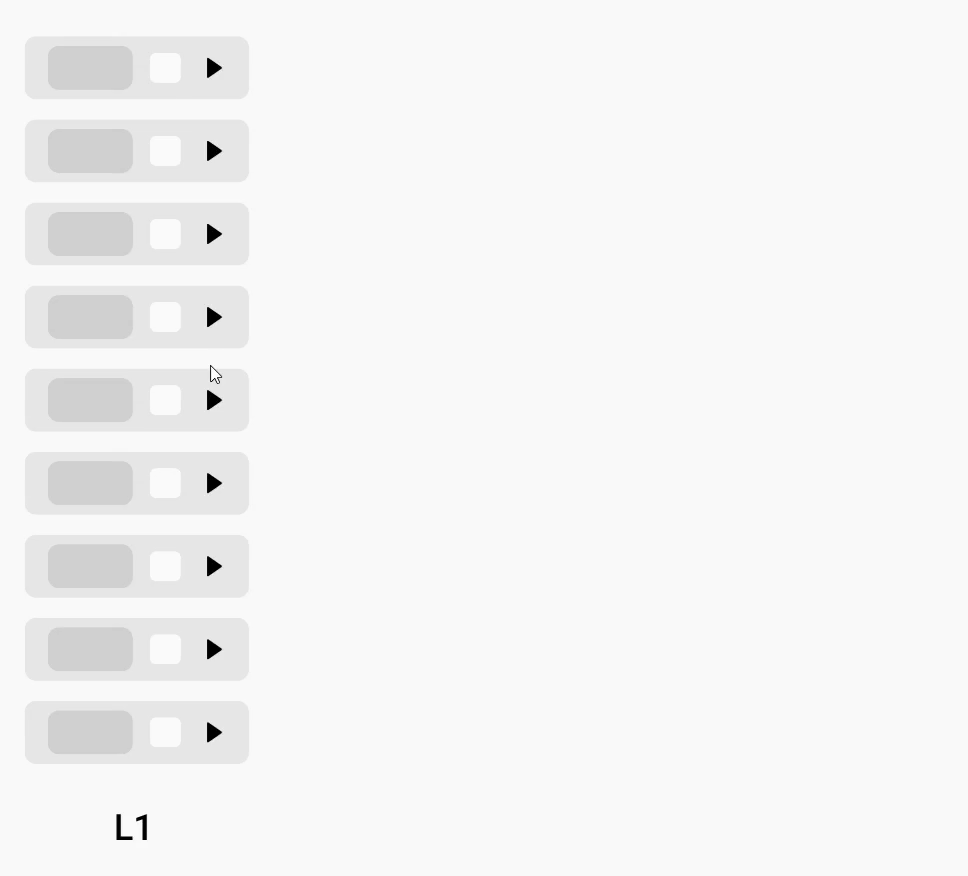
Iteration 02
Cascading Menu
Pros
-
Resolves information misalignment issues.
-
Improves user understanding and navigation of the complex hierarchy.
Cons
-
Limited horizontal space for displaying item details.
-
Inefficient use of space, leaving large blank areas.

Final Solution
Cascading Menu with Breadcrumbs
Pros
-
Sufficient space to present key information clearly.
-
Aligned columns improve scannability.
-
Breadcrumbs provide clear hierarchical context.

HiFi Prototype
With a clear and intuitive layout, users can easily access key information. A well-structured information architecture ensures that category PLPs at the same level are visible on a single page, while breadcrumbs provide seamless navigation through the hierarchy.
How might we help CEX to quickly and easily configure discovery zones with multiple PLPs?

Iteration 01
Multiple Select & Mass Edit Function
Pros
-
Allowed users to multi-select category PLPs and apply the same Discovery Zone configuration.
-
Provided flexibility in bulk editing.
Cons
-
Required users to manually select each PLP, which became tedious and inefficient.
-
Became impractical when dealing with dozens or hundreds of PLPs.
Findings from Research
User research with CEX revealed a crucial pattern in their workflows. This insight informed the design strategy, allowing for mass configuration options to streamline workflows and reduce repetitive tasks.

When configuring multiple category PLPs, CEX often apply the same Discovery Zone settings to all child PLPs under the same parent PLP.


Final Solution
Select Parent & Child PLPs with 1 click
Recognizing that child PLPs often inherit the same Discovery Zone settings as their parent PLP, I refined the approach by introducing the "Mass Edit Child Nodes" feature. This enhancement allows users to:
-
Select a parent PLP, automatically including all of its child PLPs with one click.
-
Configure Discovery Zones for the entire group simultaneously.

HiFi Prototype
This feature enables users to quickly select and edit multiple parent PLPs and their child PLPs with just a few clicks. If needed, they can also easily remove specific PLPs for greater flexibility.
Features Prioritization
To align stakeholders on the overall structure of the tool, I created an information architecture diagram that visualizes key features and informations. Recognizing that developing all features at once was not feasible, I collaborated with CEX and the PM to identify MVP features. This ensured a clear roadmap for phased implementation while keeping stakeholder expectations aligned.

Outcome
The MVP of the Discovery Zone Configuration Tool launched in 2024, enabling CEX partners to streamline their workflows. The tool received overwhelmingly positive feedback from both CEX users and engineers, as it significantly reduced manual effort and saved valuable time.
95%
of manual engineering requests was eliminated
Freeing up resources for higher-impact initiatives.
72%
CEX configuration time was significantly reduced.
With this streamlined Discovery Zone Configuration tool.
24h
Accelerated Speed to Market time from 2 weeks to 24h
Enabling CEX to respond to business needs in real time.
Next Steps
Due to the highly positive feedback from internal partners and the significant time and cost savings delivered by this pilot tool, leadership has decided to allocate additional funding to expand its capabilities. As a result, advancing and scaling this internal configuration tool platform has become a top initiative for 2025.
In my role as Senior Product Designer, I will continue to lead design efforts for this high-priority project, focusing on creating a new brand identity, defining the overall design strategy, setting clear requirements, and delivering user-centered design solutions to optimize workflows for associates and maximize the impact of this self-service tools platform across the organization.

